
[Updated for 2026] KrakenFiles is an overseas file host whose appeal lies in its lightweight, easy-to-use interface and fast connections. It is a convenient service for sharing files and its user base is growing.
This article explains KrakenFiles from the basics and free downloading through to how to buy the Premium plan (Pro), a one-off purchase with no automatic renewal (subscription) that gives you unlimited download volume.
While answering common questions such as “How far can I get for free?” and “What is the biggest benefit of going Premium?”, it also covers safe payment steps using PayPal or Stripe and things to watch out for.
After reading this article, you will have all the latest information you need to avoid KrakenFiles’ tiresome ads and volume limits and handle even large files smoothly and safely.
Official URL: krakenfiles.com
New to File Hosting Services?
File hosting services have their own rules and risks, and there are several points to be careful about.
The basics, the risks, and the precautions are explained in detail in the article below.

Premium Plan Pricing and How to Choose
KrakenFiles Premium accounts come in three plans: Basic, Pro and Business.
The big advantage is that it is prepaid (a one-off purchase) with no auto-renewal (subscription). There is no risk of your credit card being charged without notice after it expires, so even people uneasy about using overseas sites can buy with confidence.
Premium pricing
| Period | Basic | Pro | Business |
| 1 month | $5.99 | $14.99 | $39.99 |
| 6 months | $32.95 | $76.99 | $219.99 |
| 1 year | $59.90 | $119.99 | $359.99 |
Features of a Premium account
With KrakenFiles Premium, simultaneous downloads are unlocked on every plan, and the tiresome ads and captchas (image verification) are no longer shown.
The main specifications that differ by plan are as follows.
| Feature / benefit | Basic | Pro | Business |
| Daily download transfer limit | 10 GB | Unlimited | Unlimited |
| Storage space | 500 GB | 2 TB | 6 TB |
| Maximum upload size | 10 GB | 10 GB | 15 GB |
| Retention of inactive files | 3 months or more | 3 months or more | 4 months or more |
| Ads / captcha | None | None | None |
| Simultaneous downloads | Supported | Supported | Supported |
Tips for choosing a plan: the Pro plan is recommended
If you are buying a KrakenFiles Premium account, the Pro plan is recommended.
The cheapest Basic plan limits daily download transfer to 10 GB, so you hit the cap quickly when handling high-quality videos or large archive files. With the Pro plan, download volume becomes unlimited, so you can download files without worrying about traffic limits.
It combines the peace of mind of no auto-renewal, safe PayPal payment and unlimited large downloads, so if you want to exchange files without stress, make use of the Pro plan.
How to Buy a Premium Account
Create an Account
Create an account from “KrakenFiles“.

Click Sign up in the top menu.
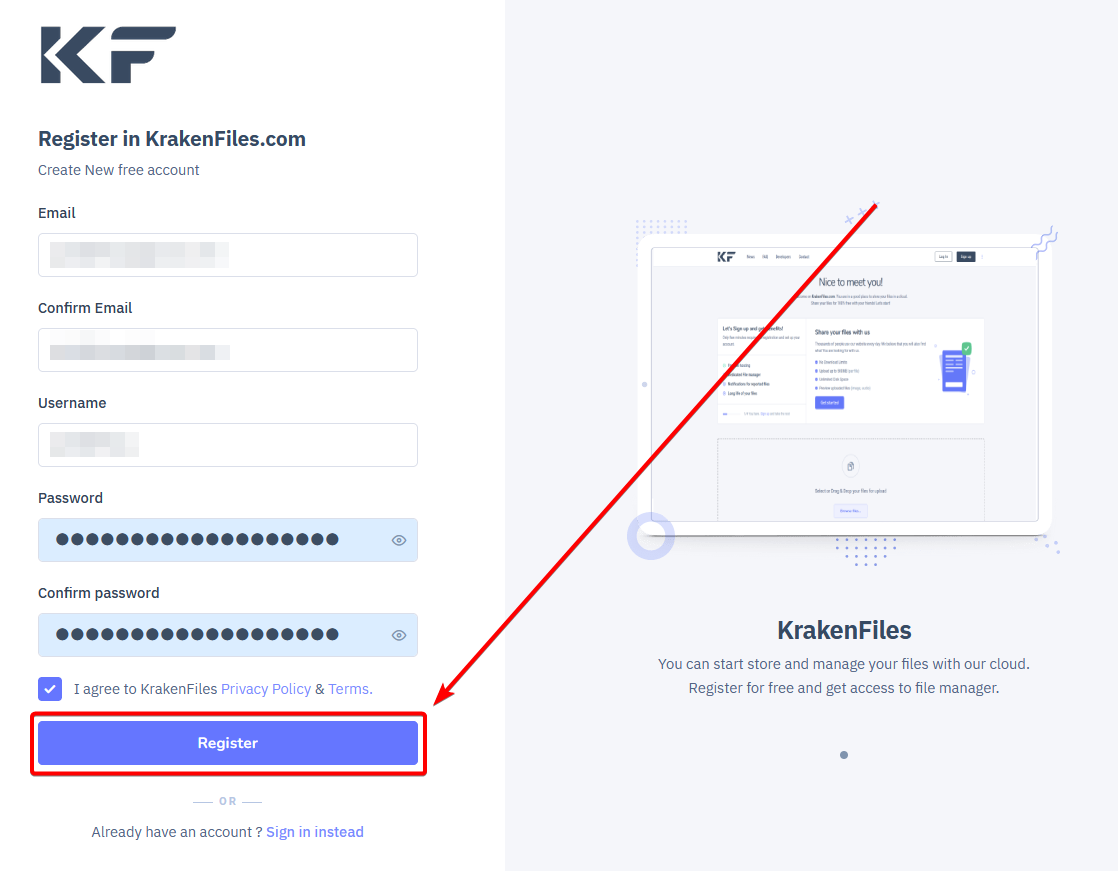
Enter your email address, username and password, then click Register.
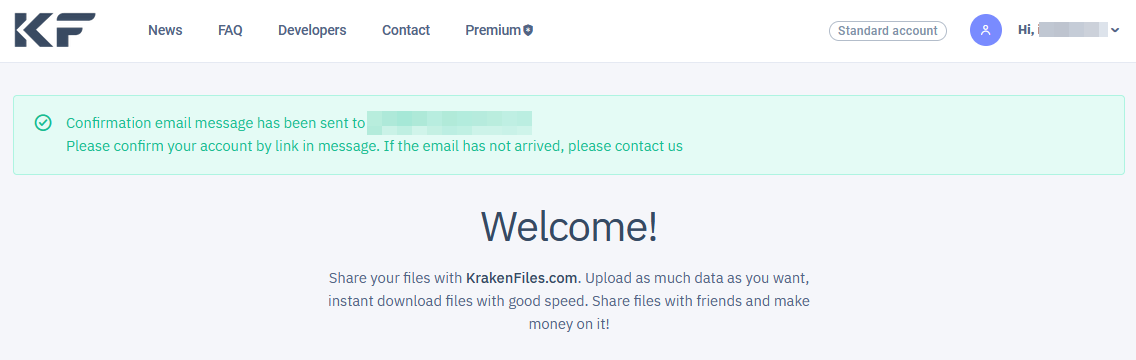
When registration is complete, a confirmation email arrives.
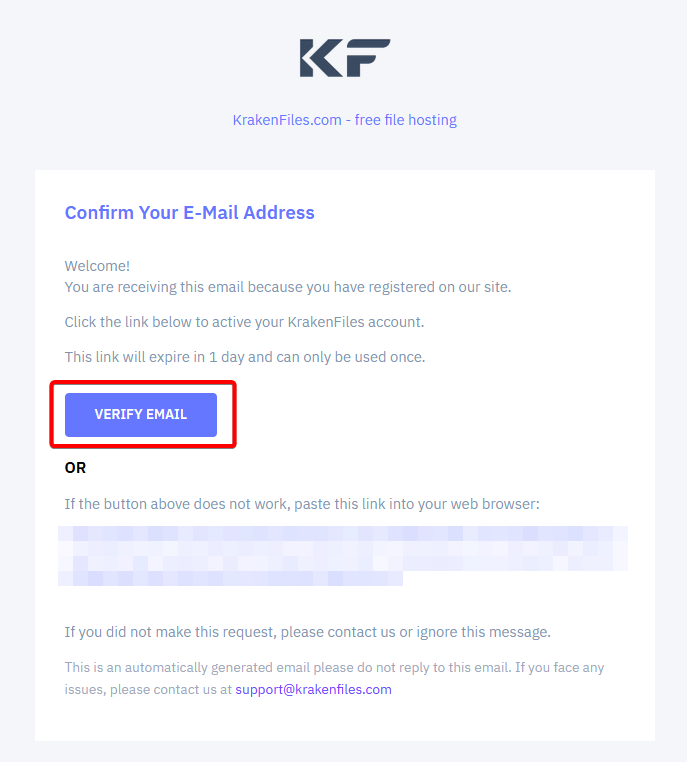
You receive an email like this. Click VERIFY EMAIL in the email.
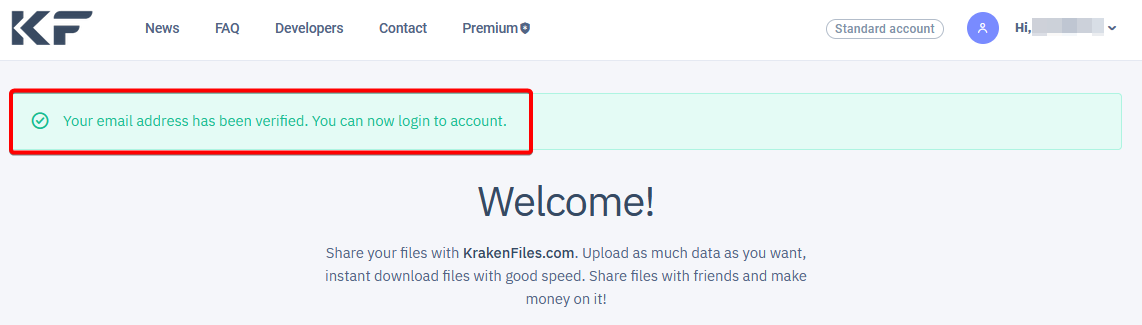
When this is shown, your email address is verified.
Your “KrakenFiles” account is now created.
Buy Premium
Go to the purchase page from “KrakenFiles“.

Click Premium in the top menu.
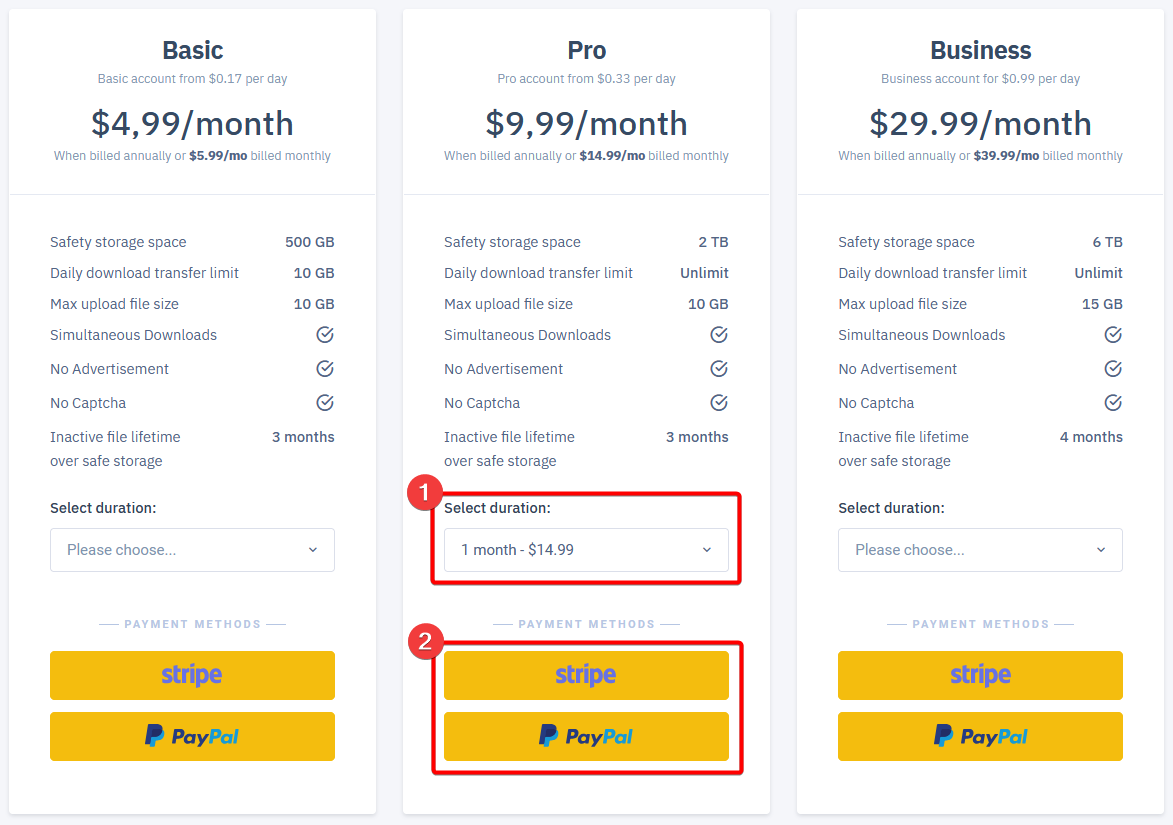
There are three plans, Basic, Pro and Business, so choose the one that suits you. If you want to enjoy unlimited downloads, the Pro plan is recommended.
Choose the number of days under Select duration and select a payment method.
KrakenFiles supports the major payment services Stripe and PayPal, so you can pay with confidence whichever you choose.
Using Stripe
Stripe is very convenient because you can pay without having an account.
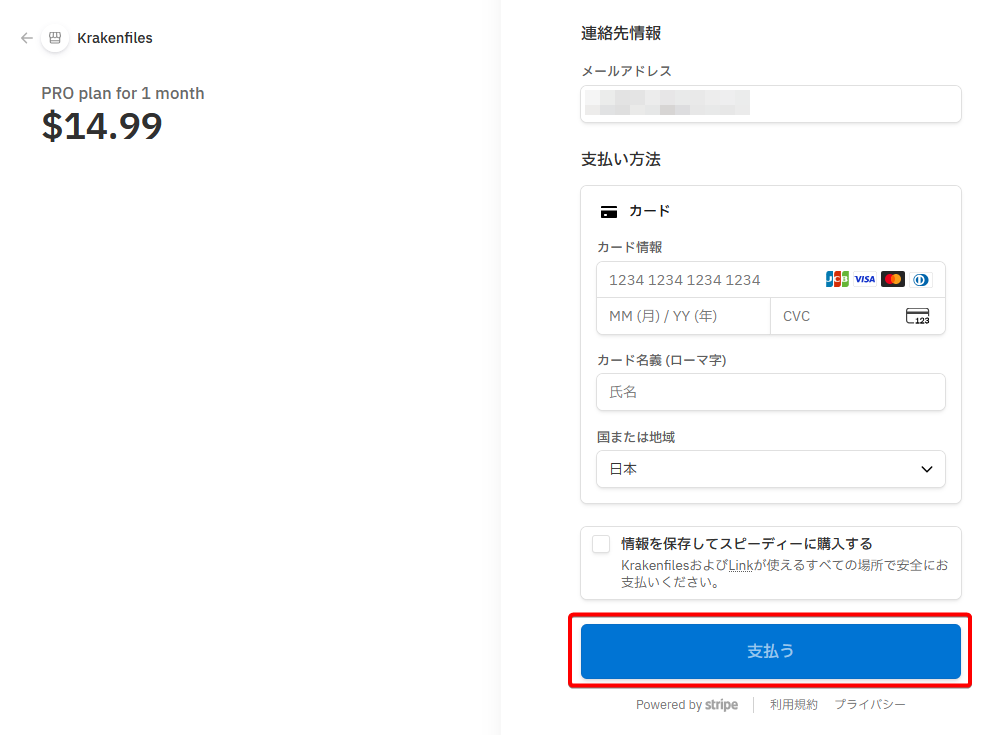
Enter your email address and credit card details, then click Pay.
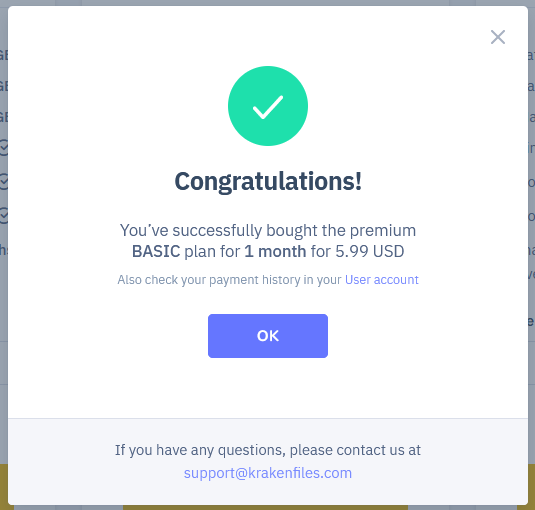
When payment is complete, Congratulations! is shown.
Your Premium purchase is now complete.
Using PayPal
To use PayPal you need an account, so create one in advance.
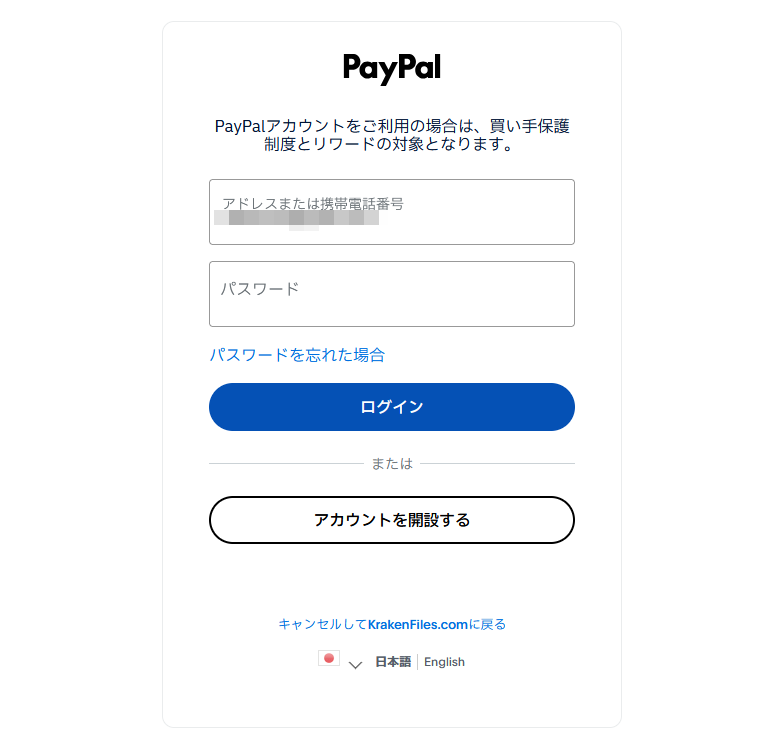
Click the PayPal button and the login screen opens. Log in.
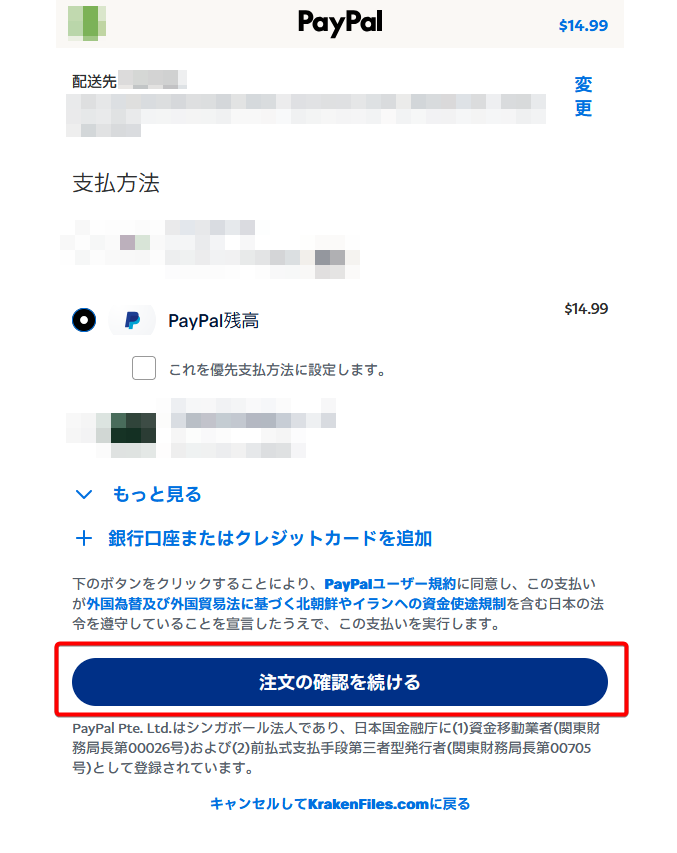
After logging in you reach the payment screen. Select a payment method and click the button to continue to review your order.
When payment is complete, Congratulations! is shown.
Your KrakenFiles account is now Premium.
→ Buy KrakenFiles Premium here
How to Download Files
Open the file URL.
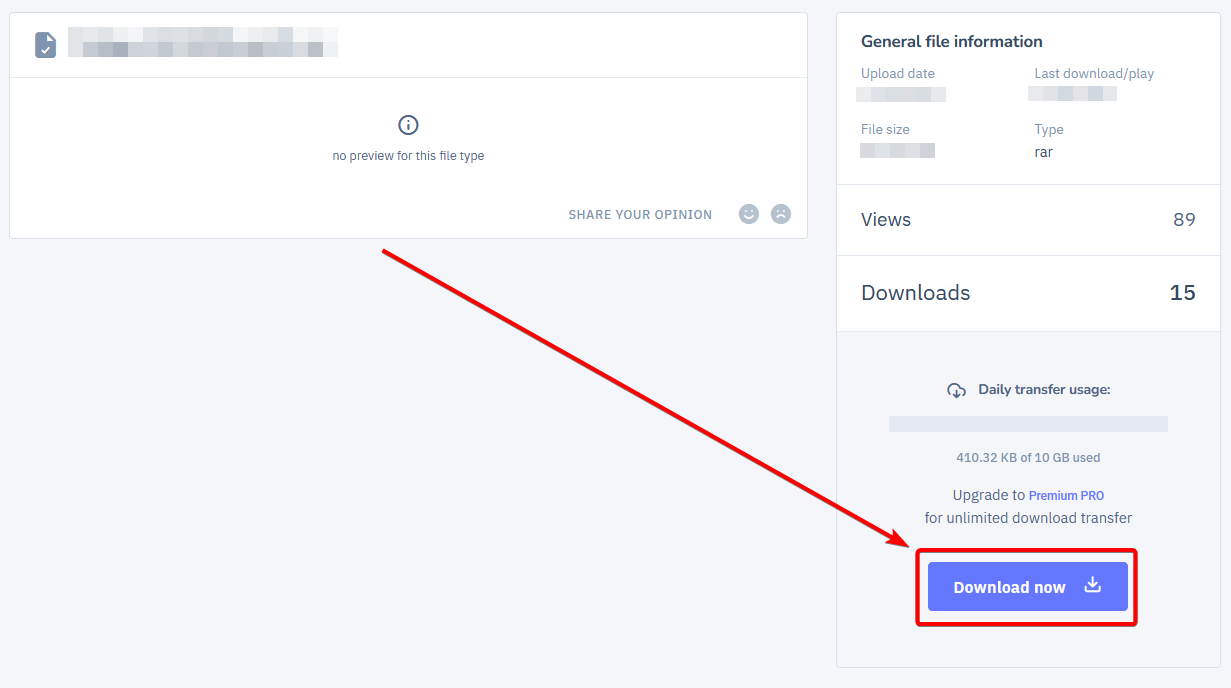
There is a Download now button at the bottom right of the download page. Click it.
The download starts.
How free members download
With KrakenFiles, free members can also download, though with limits.
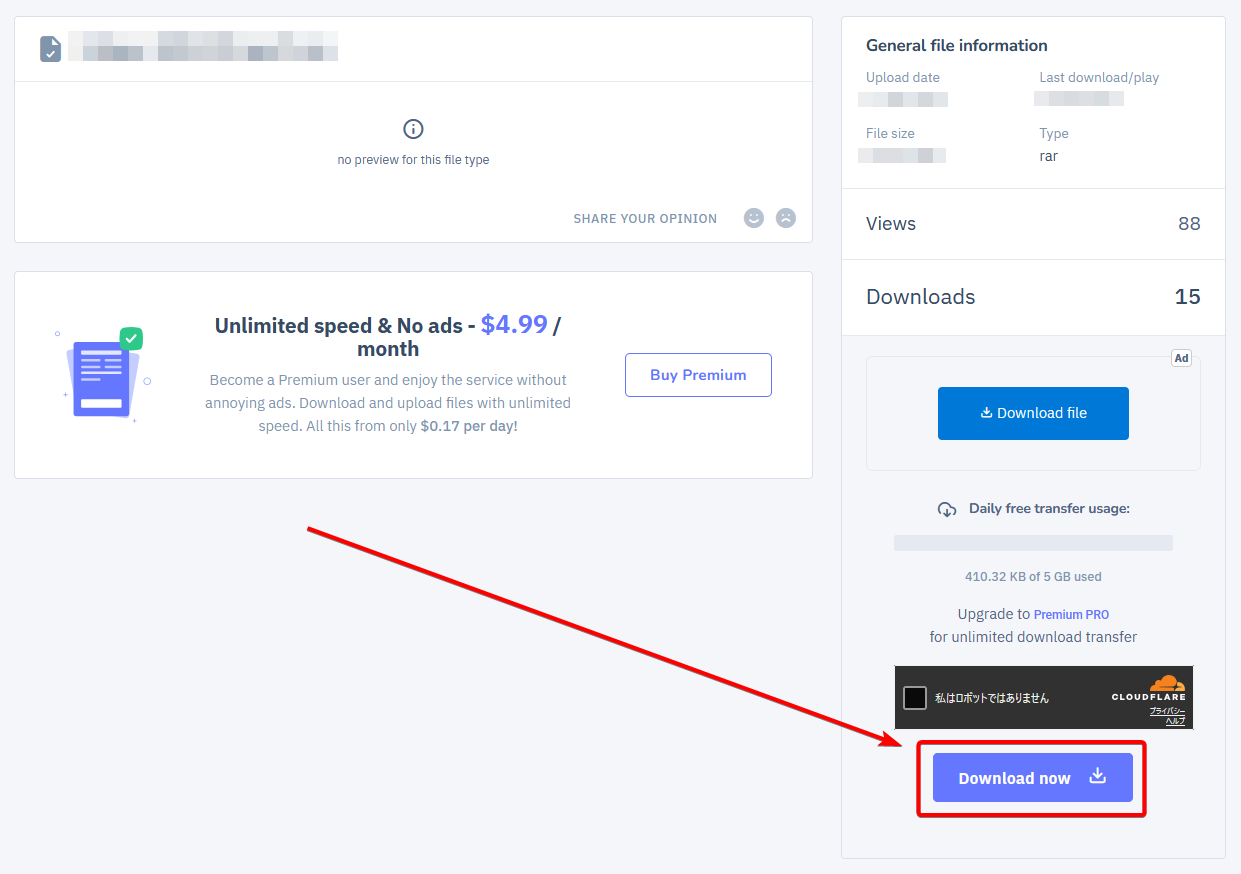
There is a Download now button at the bottom right of the download page. Click it.
That completes the free download steps.
KrakenFiles downloads are relatively smooth even for free, but the big drawbacks are that there are many malicious ads (pop-ups) that invite misclicks, you cannot download several files at once, and you quickly hit the daily download volume.
If you want to use it safely without the stress of ads, or download large files all in one go, the Premium plan (Pro), with unlimited volume and no ads, is recommended.
→ See how to buy KrakenFiles Premium
Recommended Tools for File Hosting Services
When you use a file hosting service, your IP address is passed directly to the other party’s server, so it is worth taking security measures as well.
Also, a dedicated download tool is far more efficient than downloading in your browser.
If you find it tedious to click the download button and wait every time, or feel uneasy about using overseas sites as they are, see “Recommended Tools for File Hosting Services“. It summarizes the standard tools that heavy users rely on, organized by purpose.

Frequently asked questions (FAQ)
Can I use a coupon code?
KrakenFiles has no coupon feature.
Does it renew automatically?
KrakenFiles Premium does not renew automatically.
When the days you bought have passed, the account simply goes back to the free plan.
What if I can’t download?
KrakenFiles does not have Premium-only files or long waiting times between downloads, as some other file hosts do.
If a download does not start or gives an error when you press the download button, the following causes are likely.
The most common cause is an error from downloading several files at once. For free users, the next download cannot start until the previous file has completely finished.
How much can I download per day?
KrakenFiles clearly states the daily download cap for each plan on its official site.
- Basic plan: up to 10 GB per day
- Pro and Business plans: Unlimited
Download a few large files of several GB and you soon exceed the Basic plan’s 10 GB. So for practical use we recommend the Pro plan, which you can use without worrying about volume, errors or caps.
Note that even with unlimited volume, extreme continuous downloading beyond reason (placing excessive load on the servers) may lead to account restrictions, so use it within normal bounds.
How fast are downloads?

It depends on your internet connection and how busy the servers are, but when I measured it with Premium, downloads from Japan were stable at about 2 MB/s to 10 MB/s.
What if downloads are slow?
If downloads from KrakenFiles are slow or stop partway through, the cause and the fix depend on how you are using it.
1. If you are using it as a free member
KrakenFiles connections are relatively stable even for free, but because you cannot download several files at once, with many files you have to wait for each one and it ends up taking a long time. It is also common to hit the volume limit without noticing and get stuck, so if you want to download in bulk, joining the Pro plan, with unlimited volume and simultaneous downloads, is the reliable solution.
2. If it is slow even though you are a Premium member (Pro and so on)
Even for Premium members, speed may drop temporarily depending on the physical distance to overseas servers and the time of day (especially the evening peak). If you are not getting good speed, try the following.
- Change your VPN location: if you use a VPN, switching the country (server) you connect to can optimise the route and improve speed.
- Try a different time of day: avoid the busy evening hours and try downloading in the morning or daytime.
Can I use a PLG (Premium Link Generator)?
In short, at present there is no suitable PLG (premium link generator) that lets you download from KrakenFiles comfortably.
There are PLGs online that claim to let you use Premium features for free, but in practice they have clear drawbacks like these.
- They often do not support KrakenFiles in the first place
- They show large numbers of malicious ads, with a risk of virus infection
- You quickly hit the traffic limit and the download fails partway through
Considering safety and download stability, rather than wasting time looking for a PLG, buying a Premium account directly from the official site is more stable and reliable.
Buying properly from the official site also supports the file host and helps a good service keep running.
Is it OK to buy from a reseller?
When using overseas file hosts, if you do not want to hand your details directly to an overseas site or want to deal in Japanese, using a Japanese reseller is a reassuring option.
Also, be careful with “Premium accounts” sold cheaply on auction sites. In many cases one account is shared among several people, and you may suddenly be unable to log in or the account may be suspended. Buy from the official site or an authorized seller.
Unfortunately, however, the main resellers in Japan, such as Preaka.JP, which I often recommend, do not currently carry KrakenFiles Premium accounts. So if you want to use Premium (the Pro plan and so on), you need to buy it directly from the official site.
You may feel uneasy about buying directly on an overseas site, but there is no need to worry. KrakenFiles supports the safe PayPal and Stripe, and it is also a complete one-off purchase with no auto-renewal (subscription).
With PayPal you do not have to enter credit card details directly on an overseas site, and there is no risk of recurring charges, so you can buy from the official site with confidence.
→ See how to buy KrakenFiles Premium
Is KrakenFiles safe? Is it illegal?
KrakenFiles itself is a platform for storing and sharing files, and the service itself is operated legally. So there is no danger in using it as online storage.
However, what you need to be careful about is the content of the files that are uploaded.
Some users upload and share copyrighted works without the rights holder’s permission, and that is illegal. Furthermore, downloading something you know was uploaded illegally is also illegal.
To avoid getting caught up in unexpected trouble, understand the risks properly and do not misuse the service.
Summary
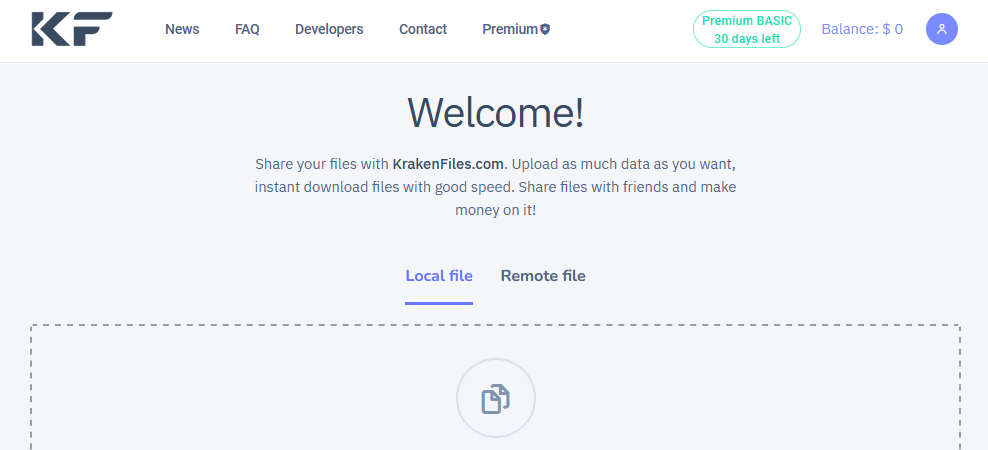
This article explained how to use the overseas file host KrakenFiles and the benefits of a Premium account.
KrakenFiles can be used for free with no waiting time, but when handling large files, not being able to download several files at once and quickly hitting the volume limit become a major source of stress.
If you want to skip the hassle of closing ads every time, or download several files all in one go, upgrading to the Pro plan with unlimited volume is recommended. With no auto-renewal (a one-off purchase) and safe PayPal payment available, even people uneasy about using overseas sites can buy with confidence.
If anything about registration or payment is unclear, feel free to ask in the comments. I will answer as best I can.
Official site: KrakenFiles





コメント