
There are many overseas file hosts, such as Rapidgator, Daofile and Katfile, but do you use a VPN when you use them?
Many people probably say, “I use one for torrents, but not for file hosts.” However, using overseas file hosts without a VPN carries privacy and security risks.
What happens if you use overseas file hosts without a VPN?
Your provider keeps a record of where you connect
Without a VPN, your internet service provider (ISP) keeps records of your traffic, such as when you connected and to which sites.
You may download a file without knowing what is in it
With files on overseas file hosts, you sometimes cannot tell what is inside until you open them. Some are disguised as ordinary files but contain a virus, so be careful.
Note that downloading something you know was uploaded illegally is illegal. Using a VPN does not make illegal acts acceptable, so stay away from suspicious files.
How to use overseas file hosts safely
Be careful with the email address you use to create an account
An individual can sometimes be identified from an email address.
Avoid creating an account with an address that leads back to you personally, such as your everyday Gmail or a work address.
For email, we recommend ProtonMail, which is strong on privacy (the free plan is fine).
I also personally use an anonymous email service called Secria, which is easy to use and I like it.
Both can be created without personal information, so they are popular with people who want an anonymous email address.
Set up a VPN and keep it connected at all times
Free VPNs sometimes keep records of your traffic or are slow. Choose a paid VPN with a no-logs policy.
Having tried many myself, I recommend NordVPN, which has a strong reputation for privacy protection.
NordVPN clearly states a no-logs policy: it does not record information such as your IP address, the sites you connect to or the files you download. It has also published a policy of not providing registered information to third parties.

NordVPN supports Japanese, so buying and setting it up is easy. The longer the plan, the bigger the discount, so I always sign up for the 2-year plan.
→ Visit the official NordVPN site here
Useful NordVPN features (specialty servers)

- Onion Over VPN
- P2P
- Double VPN
- Obfuscated servers
NordVPN offers specialty servers like these.
Of these, Double VPN is a connection method for people who place particular importance on privacy.
Onion Over VPN
This feature connects you to the internet through the Tor network on top of your VPN connection. Tor makes the origin of a connection hard to trace by routing traffic through several servers.
Normally you need a dedicated browser to use Tor, but with Onion Over VPN you can connect through Tor from your usual browser. Another advantage is that your provider (ISP) is unlikely to know you are using Tor.
However, because traffic passes through many layers of servers, the connection becomes very slow. It is not suited to downloading large files, so we recommend using it only when privacy matters most.
P2P
This feature connects you to servers optimised for P2P (peer-to-peer) traffic. P2P is a way for users to exchange files directly with each other without going through a server, and it is used by file sharing software such as BitTorrent.
P2P servers are designed with speed and stability in mind, so they are useful when downloading legitimately distributed files, such as Linux ISO files and free software, with sharing software.
With P2P, your IP address is visible to other participants, so protecting it with a VPN is reassuring. Note that sharing copyrighted works without the rights holder’s permission is illegal, so use it properly.
Double VPN (recommended)
This method connects you to the internet through two VPN servers.
Your data is encrypted twice, giving stronger security and privacy than an ordinary VPN.
The drawback is that passing through two servers may reduce your connection speed.
Obfuscated servers
This connection method makes it hard to tell that you are using a VPN.
By making VPN traffic look like ordinary internet traffic, it helps you connect even in countries, regions and networks where VPN use is restricted.
Note that some sites, such as Preaka.JP, do not accept purchases made through a VPN. In that case, turn the VPN off just while you complete the purchase.
Keep your VPN connected at all times
Even after setting up a VPN, quite a few people disconnect it when they are not using it because they are worried about speed.
A VPN does nothing while you are not connected to it. It is easy to forget to reconnect, so keep your VPN connected at all times.
NordVPN also has a good reputation for speed, so you are unlikely to feel much inconvenience even when always connected.
Always keep the kill switch ON

NordVPN has a kill switch feature, so always keep it ON.
The kill switch works like a circuit breaker that blocks all traffic if the VPN connection drops unexpectedly.
If it is not ON, traffic that does not go through the VPN will occur when the connection suddenly drops. This feature prevents that kind of accident.
Always use it turned ON.
Summary: use a VPN to use overseas file hosts safely
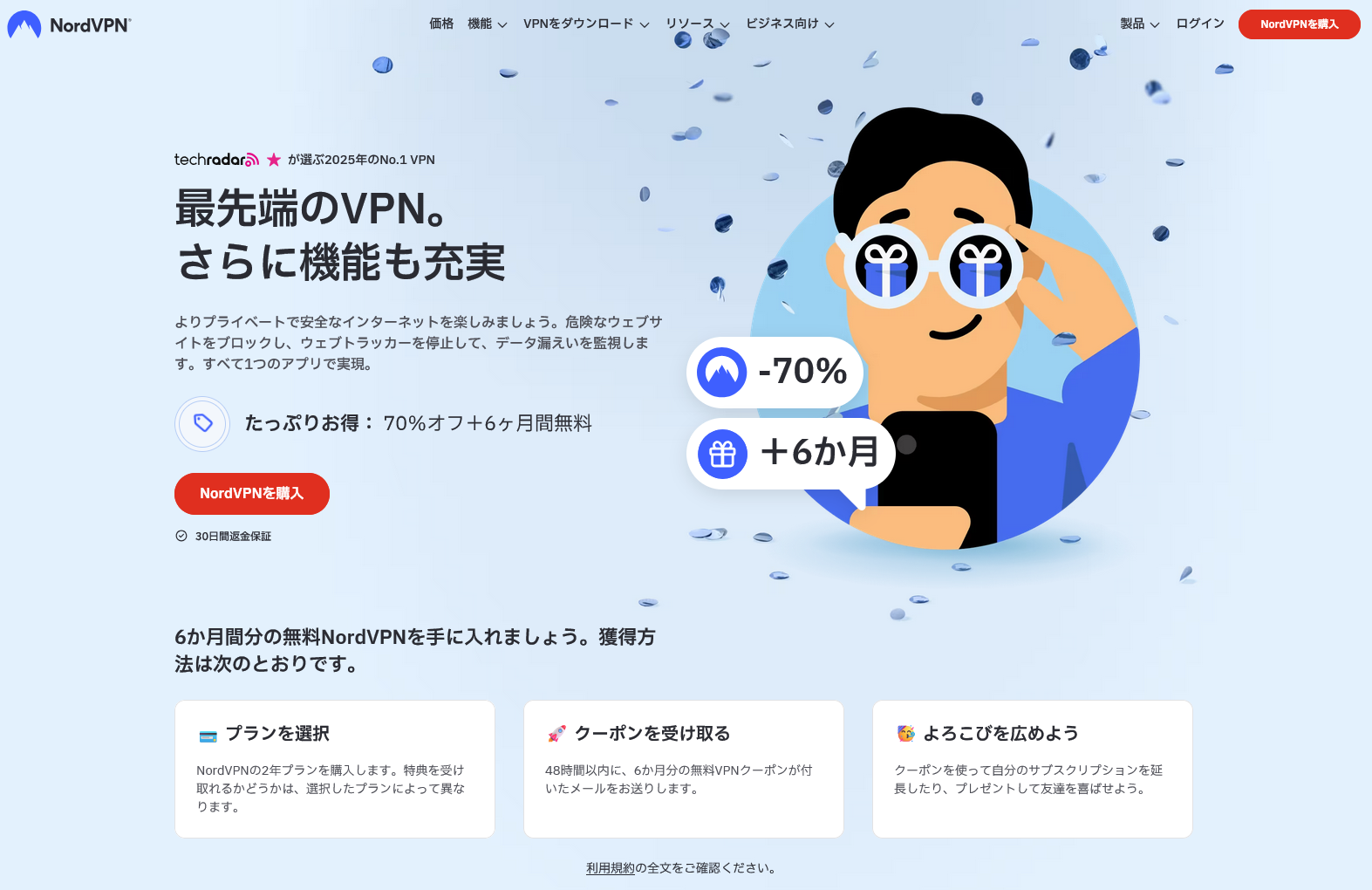
Setting up a VPN has become much easier than it used to be.
Sign up and install the app, and you have a secure connection right away.
To protect yourself from trouble, we recommend keeping a VPN connected at all times when you use overseas file hosts. NordVPN has all the features you need for that.
Note that a VPN does not justify illegal acts. Respect copyright and use it properly.
Official: NordVPN



コメント